AI Storyboard Generator for Film & Short Drama
Plan scripts, characters, scenes and shots on GoJelly’s AI canvas. Build a storyboard, generate supporting assets and review image and video results together.
Keep the script and shot plan connected
A storyboard communicates what the audience sees and how a sequence progresses. Begin with a script or scene description, then make the visible action, framing and transition of each shot explicit. GoJelly’s script workflow can organize the resulting character, scene and shot materials on the canvas, where each part remains available for review.
Check the shot text before generating assets. Names, character continuity, action and timing should support the intended story. Keeping these notes beside reference images makes it easier to identify a mismatch before spending credits on another image or video.
Review a sequence rather than isolated generations
Use image examples to test framing and scene design, then compare video outputs for motion and timing. Place related shots together and keep useful character and setting references close to the sequence. A generated asset can help explore a direction, but it still needs review for story continuity. The available models, reference limits and credit estimate are shown in each generator.
AI models

outdoor photography
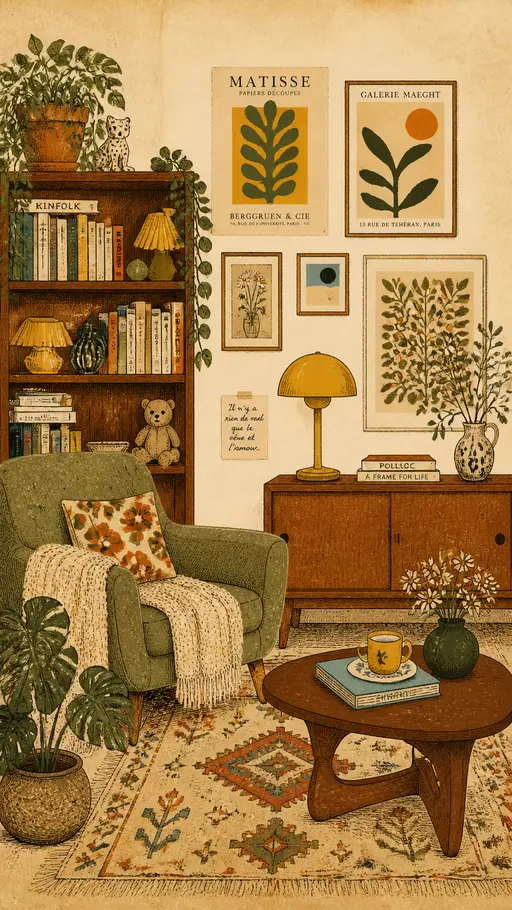
vintage interior illustration

perfume advertising poster
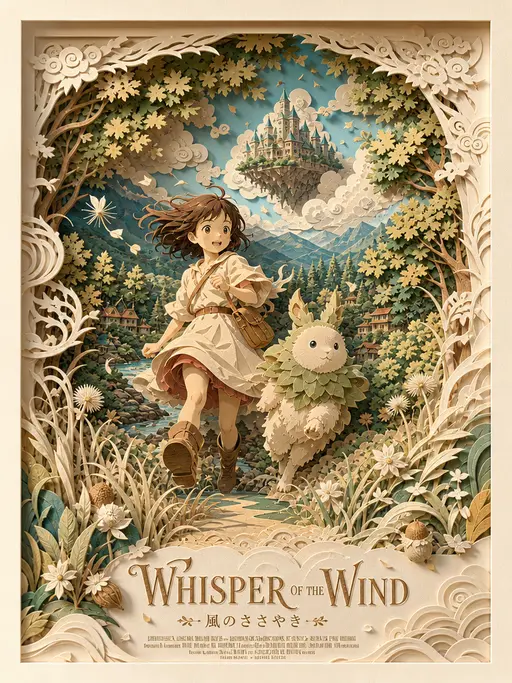
3D layered papercraft poster
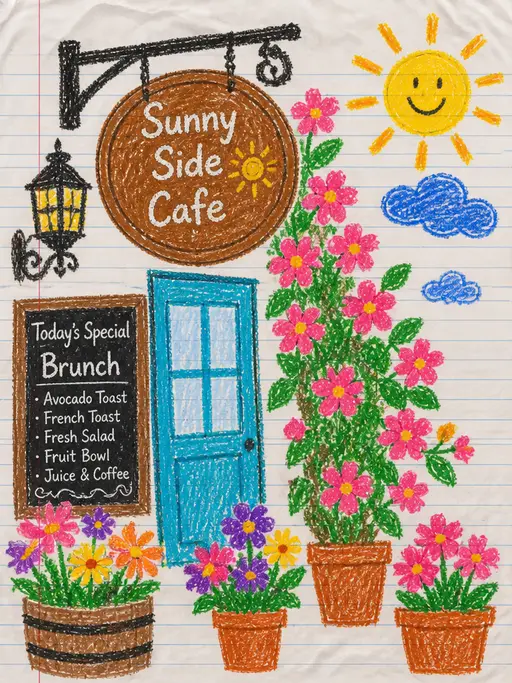
child's crayon drawing

Underwater photography

blue ocean
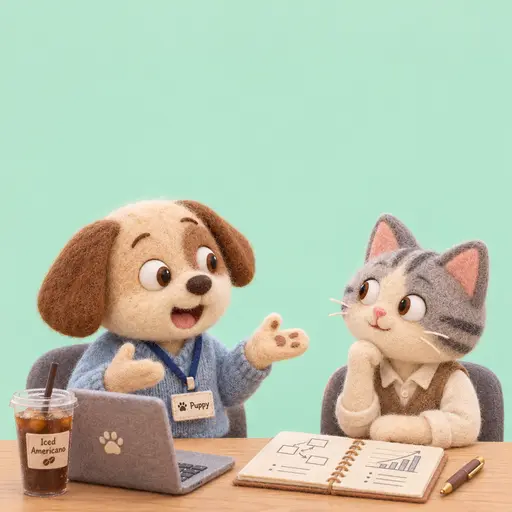
Felt-textured cartoon avatars

Creative Potato Chip Posters

Food Advertising Posters

Fruit Juice Product Poster

Advertisement Poster for Hair Care Essential Oil