GPT Image 2 Prompt Guide: Build a Clear Visual Brief
Learn how to structure GPT Image 2 prompts for subject, composition, lighting and text. Explore real examples and iterate on GoJelly’s canvas.
Start with the subject and intended use
A useful image prompt makes the main subject easy to identify. State what it is, what it is doing and where it belongs in the composition. Add the intended use when that affects the layout: a poster may need space for a headline, while a product image needs readable shape and material detail. Avoid beginning with a long list of unrelated style adjectives before the subject is clear.
Keep a short brief next to the generator on your canvas. It should explain which details must remain, which can change and what a successful image needs to communicate. This gives you a more reliable basis for reviewing a result than whether it looks polished at first glance.
Specify a composition, then explain the light
Describe a viewpoint and a subject arrangement before adding surface details. A close-up, a wide establishing image and an overhead product layout have different purposes. If empty space is important, say where it should be and what it is for. For a multi-panel image, describe the order and the separation between panels.
Lighting directions work best when they relate to something visible. Explain the direction, softness and color of the light, and how it should describe the subject. Keep the lighting consistent with the environment unless a deliberate contrast is part of the concept. Review shadows and reflections in the result before carrying the direction into another image.
Treat lettering as content that needs review
When an image contains text, provide the exact words and explain their hierarchy and placement. Separate the main headline from supporting copy and decorative lettering. Short, intentional copy is easier to assess than a prompt asking the model to invent a complete page of factual text.
Inspect every visible word in the generated result. A persuasive composition does not prove that spelling, labels, product information or names are correct. If a text element is critical to the final asset, verify it independently and allow time for another generation or a separate editing step.
Use references and settings deliberately
Bring a reference when you need to preserve a visual relationship rather than describing every detail from scratch. Explain what the reference contributes: identity, palette, material, pose or layout. The generator’s supported inputs and limits depend on the selected mode, so inspect the controls before submitting.
Choose an aspect ratio and output settings that match the intended use. GoJelly displays the model settings and an estimated credit amount before a new generation. A community prompt is free to inspect and copy, but generating a new result uses credits. Model terms and the rights to your source material still apply.
Iterate one decision at a time
Keep the first result beside the prompt and the original reference. Write down one change that would improve the image, then revise the relevant instruction. If you change the subject, style, camera angle and lighting at the same time, it becomes difficult to understand which change helped.
Use the examples below to compare how prompts express visual decisions. Open an example to inspect the actual model and available generation settings, then adapt its structure to your own project. Keep the versions you learn from, including imperfect ones, so the canvas records the reasoning behind the final direction.
AI models
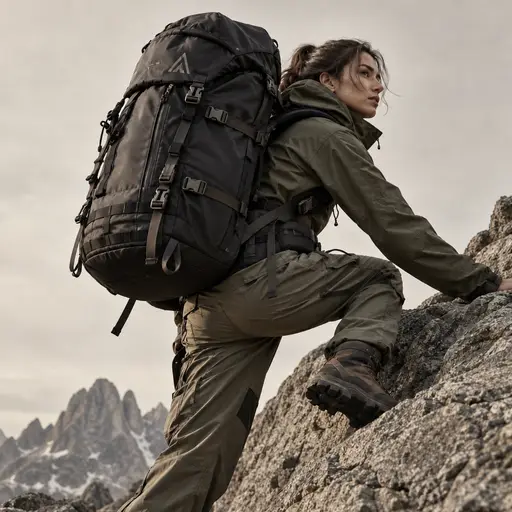
outdoor photography
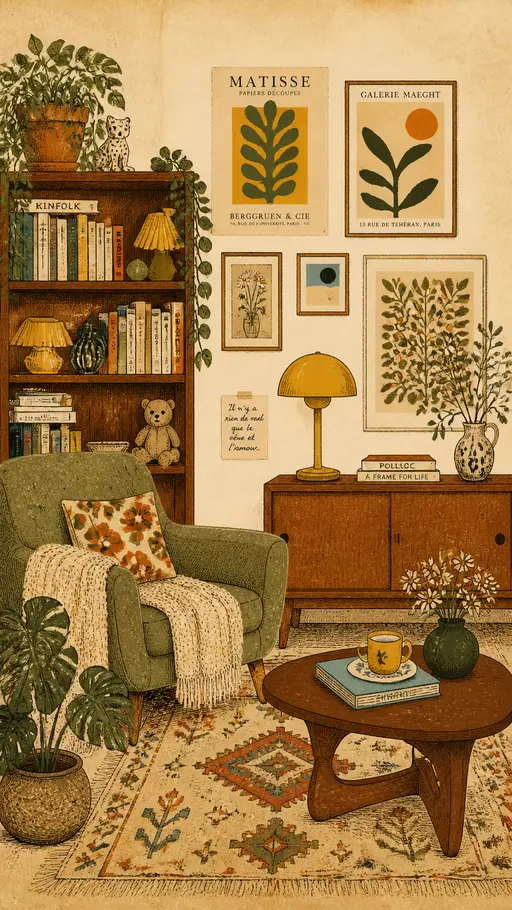
vintage interior illustration
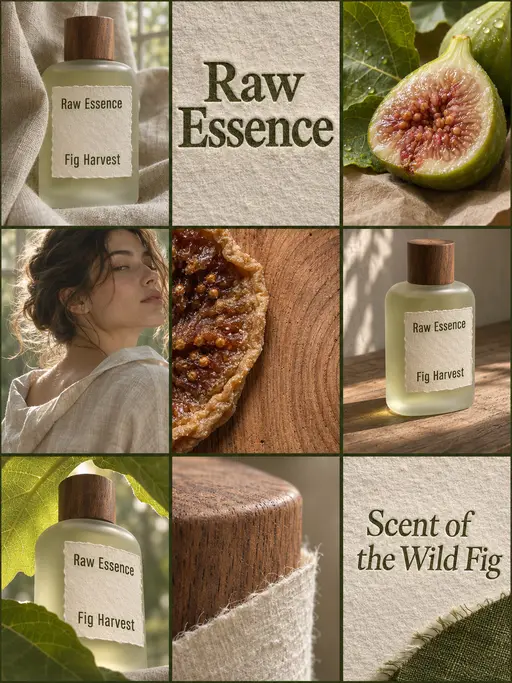
perfume advertising poster
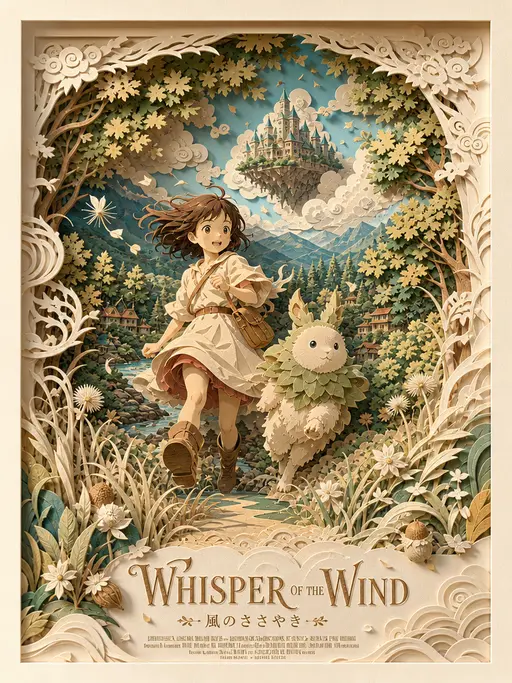
3D layered papercraft poster
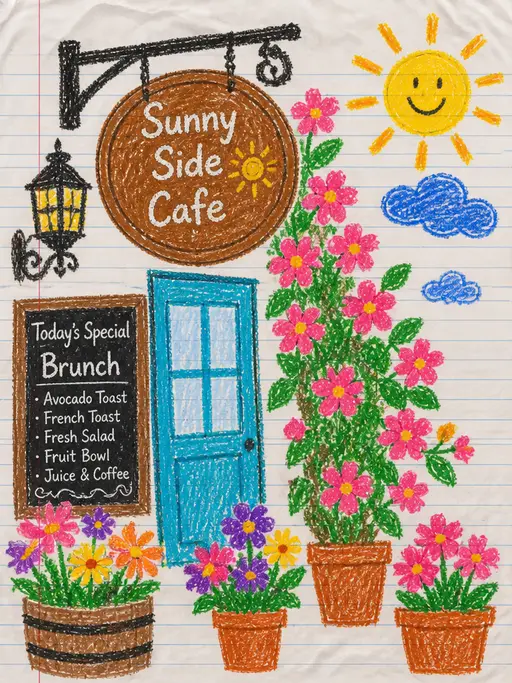
child's crayon drawing
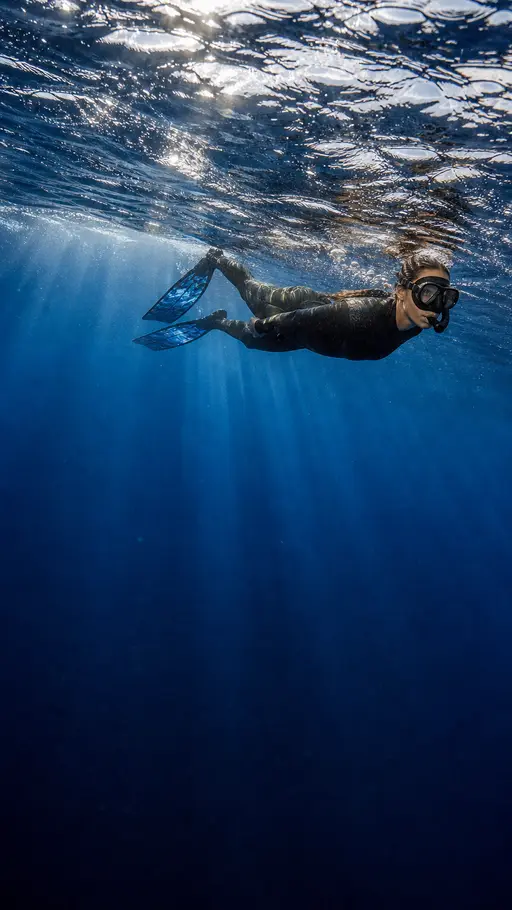
Underwater photography
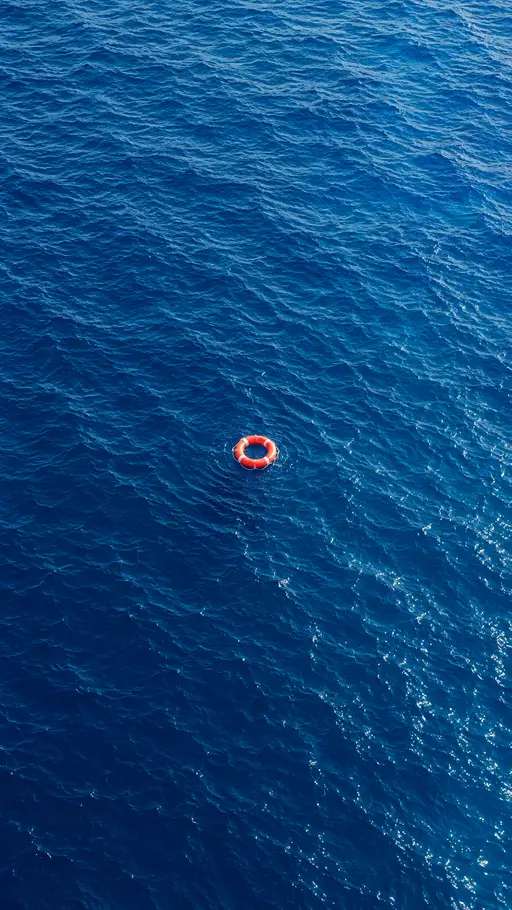
blue ocean
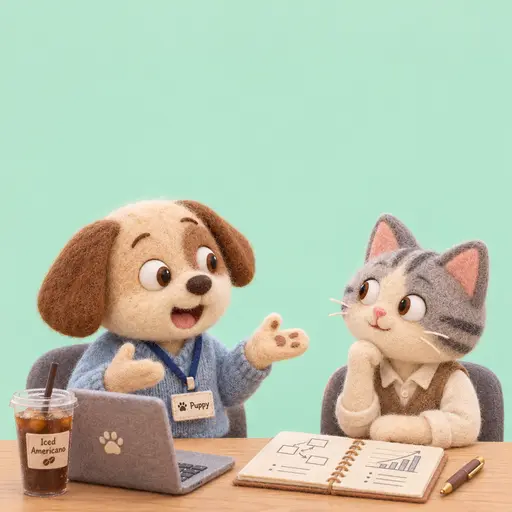
Felt-textured cartoon avatars
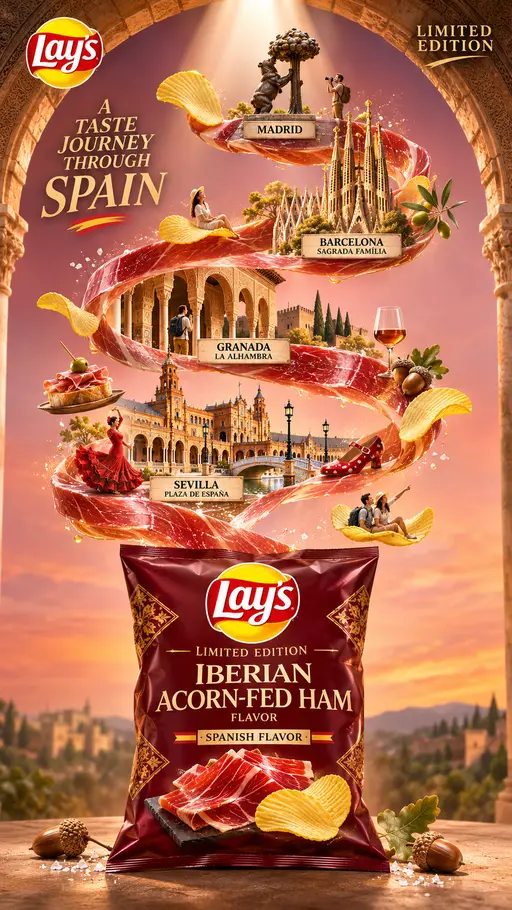
Creative Potato Chip Posters
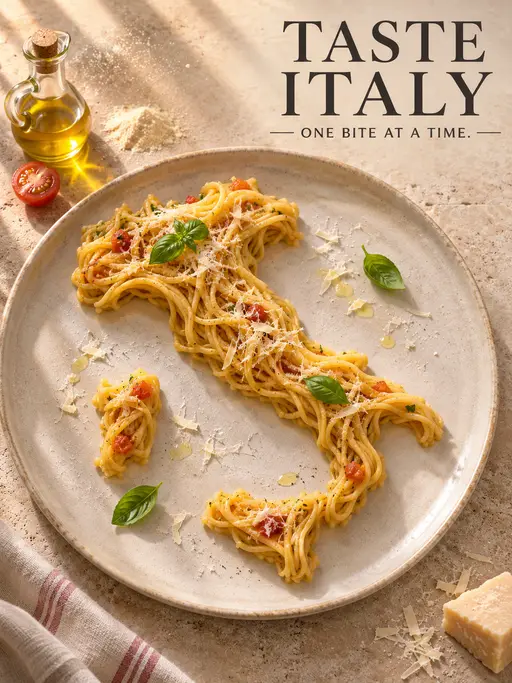
Food Advertising Posters
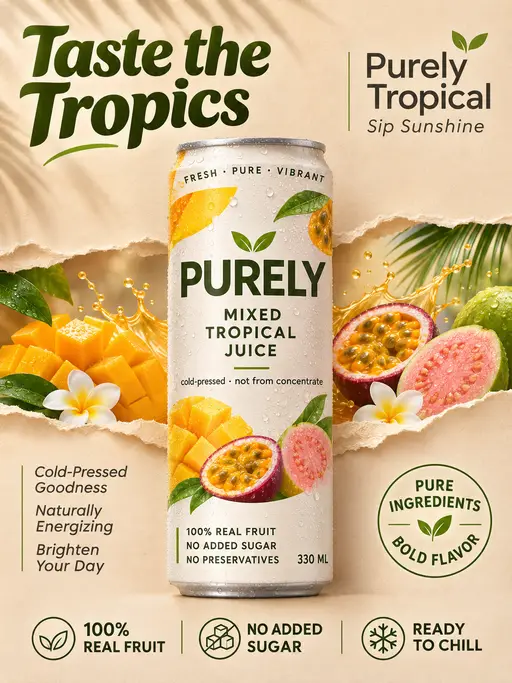
Fruit Juice Product Poster
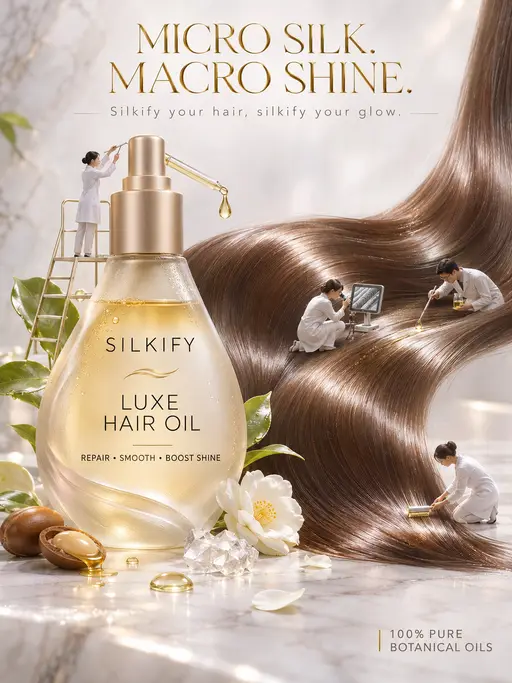
Advertisement Poster for Hair Care Essential Oil
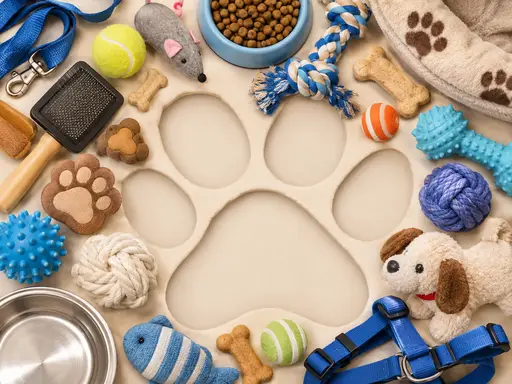
Pet Lifestyle Theme Creation
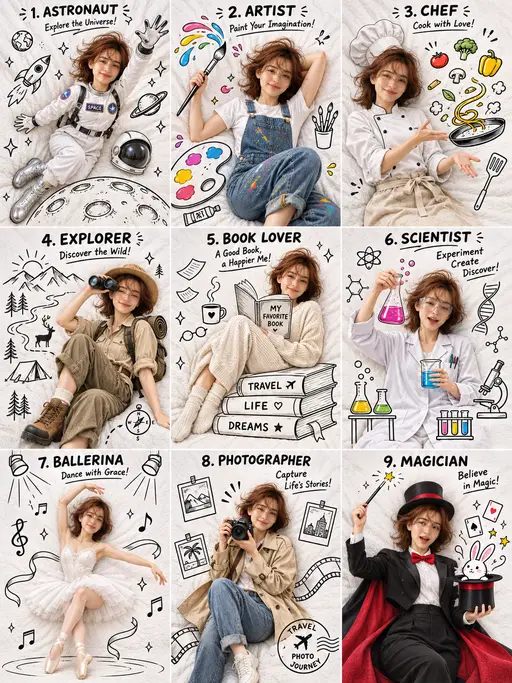
3×3 collage
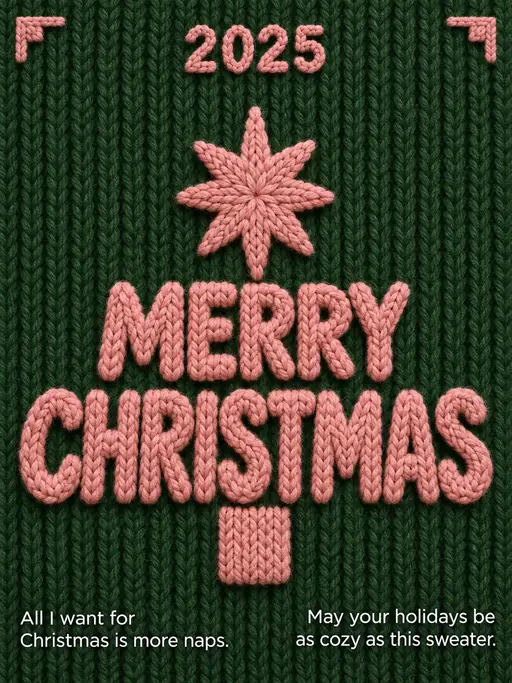
Christmas poster
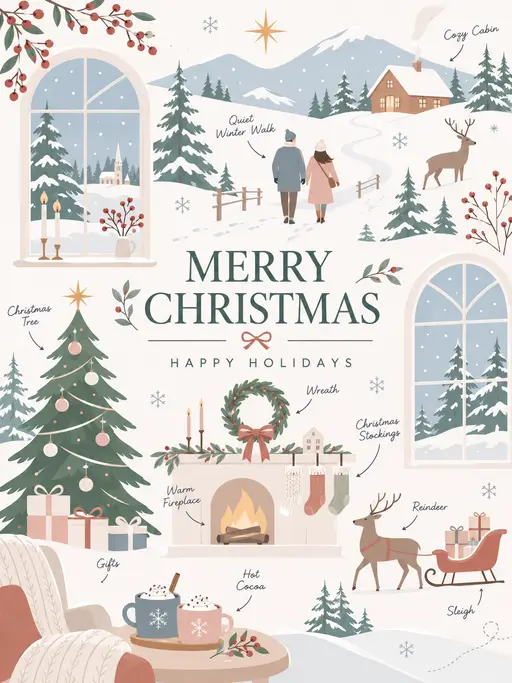
Christmas poster
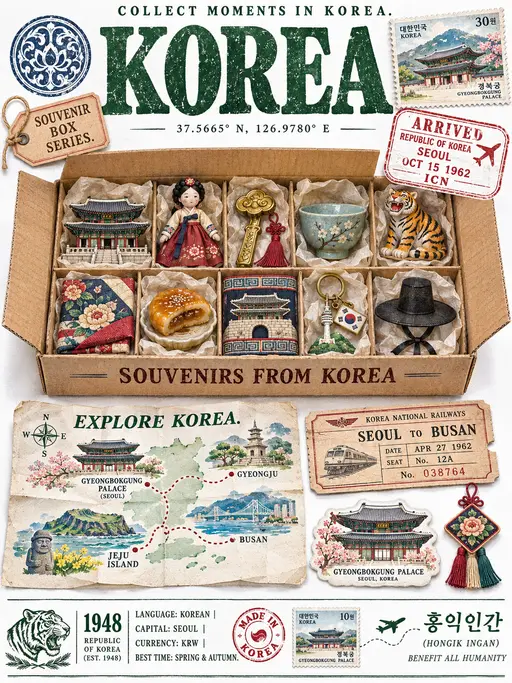
Travel-Themed Posters
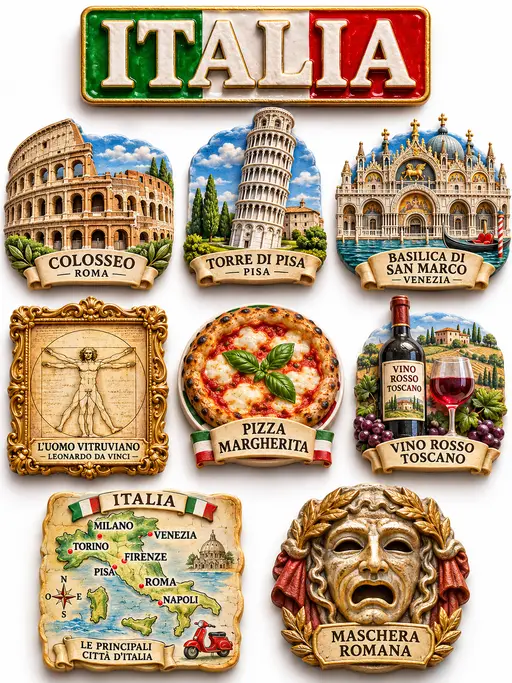
Travel-Themed Posters
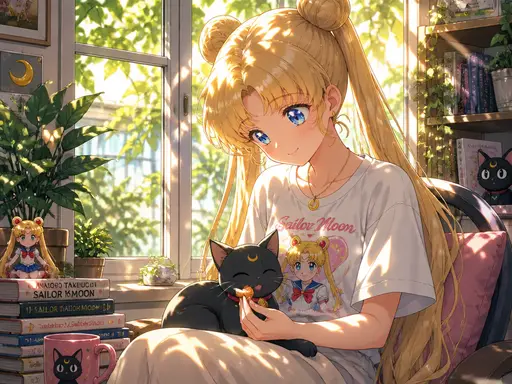
anime-style portrait
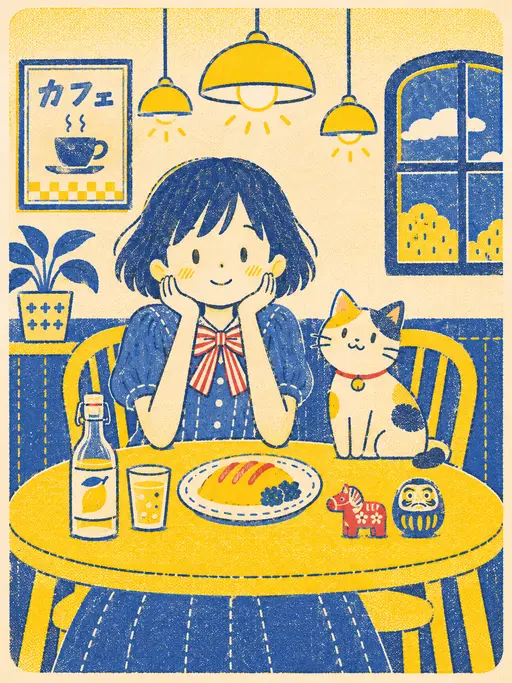
Risograph-style poster
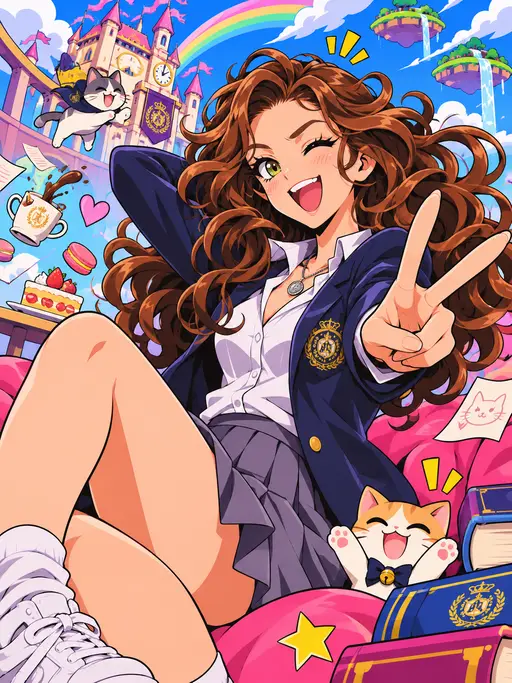
anime art
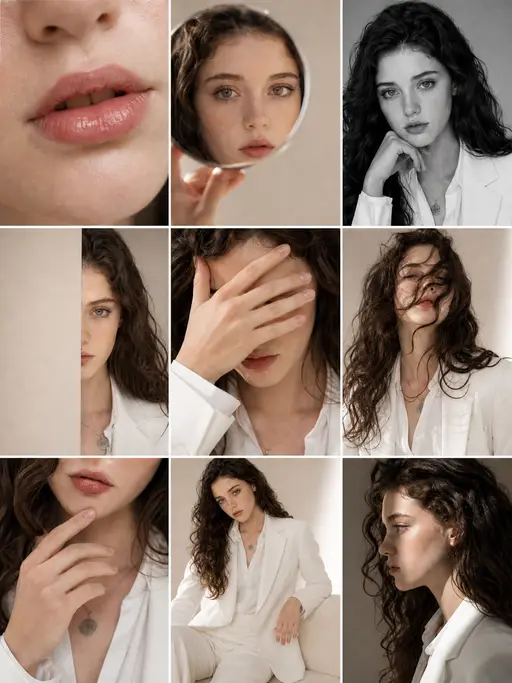
3×3 editorial photo grid
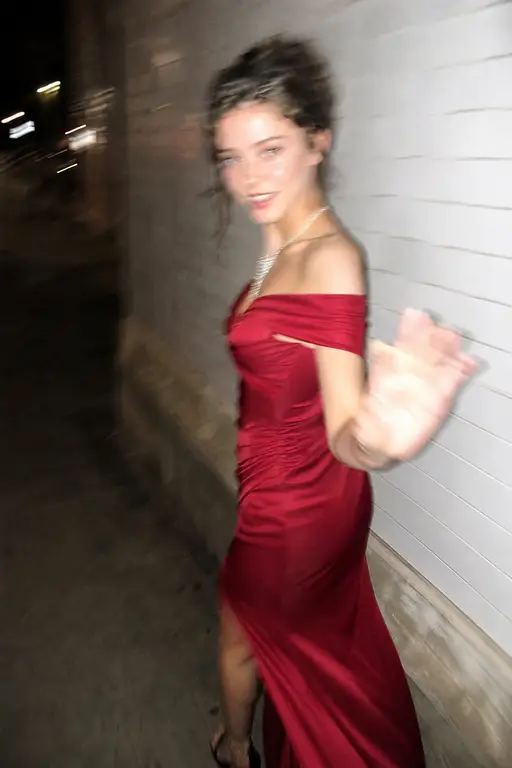
Ultra-realistic candid smartphone photo
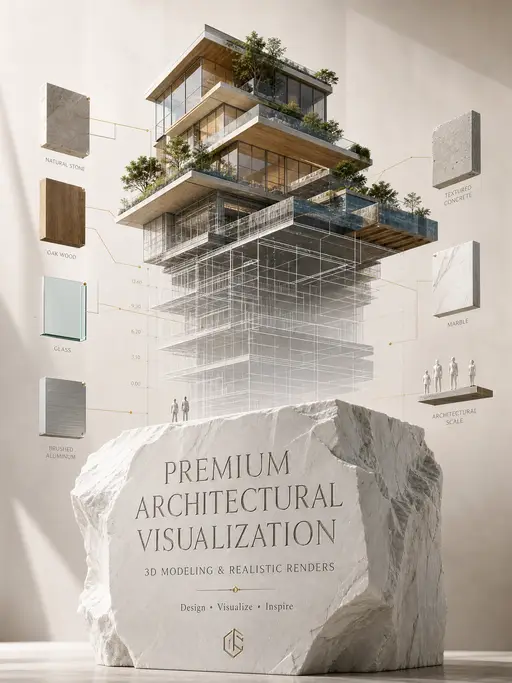
spectacular vertical luxury advertisement
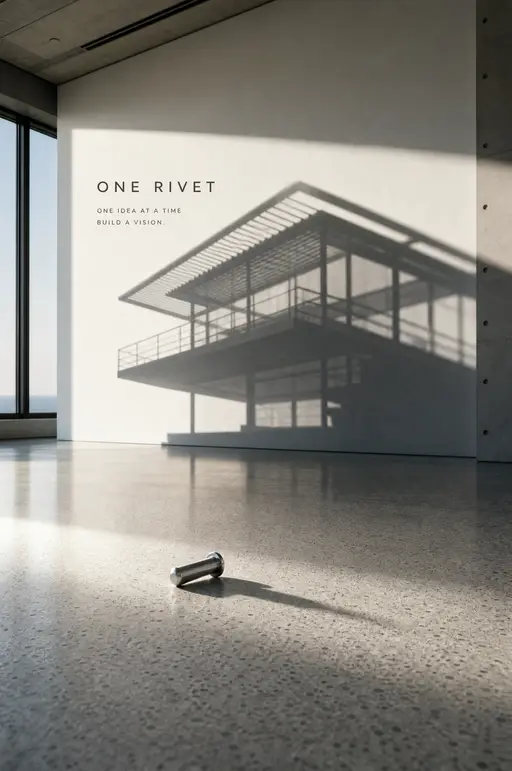
conceptual architectural photograph
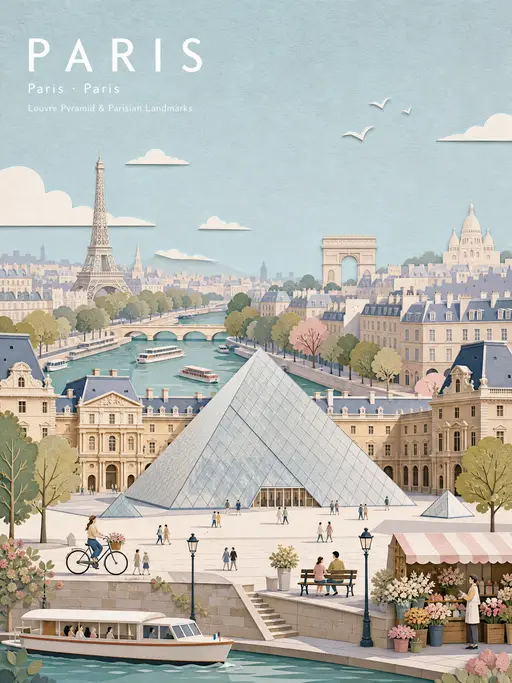
ouvre Glass Pyramid illustration
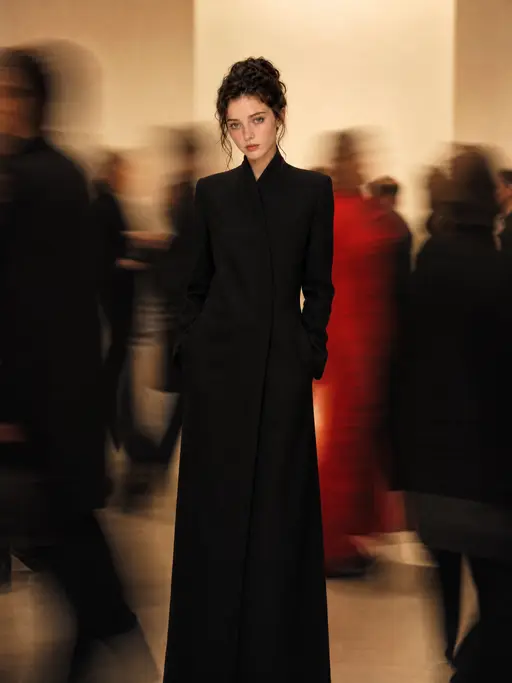
Photorealistic portrait
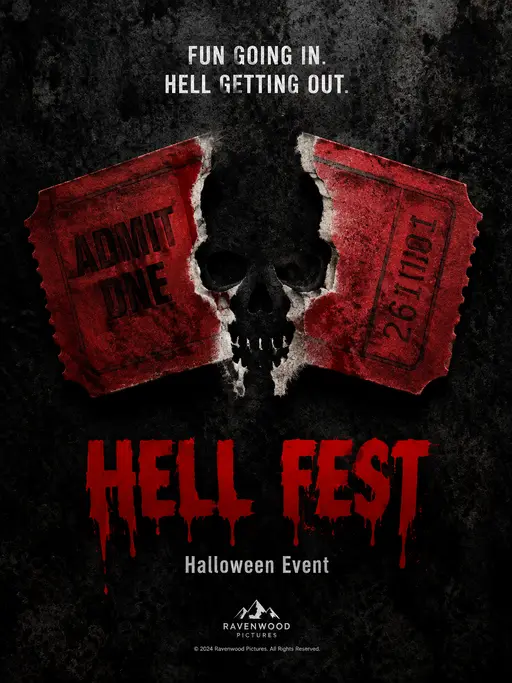
Halloween event poster
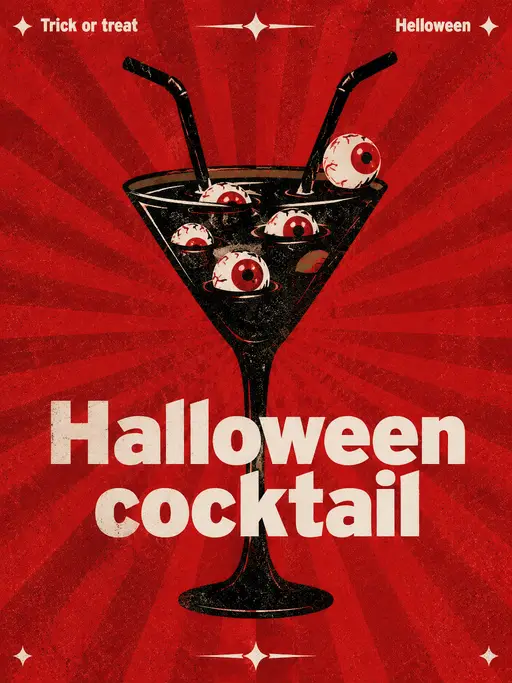
Halloween cocktail poster
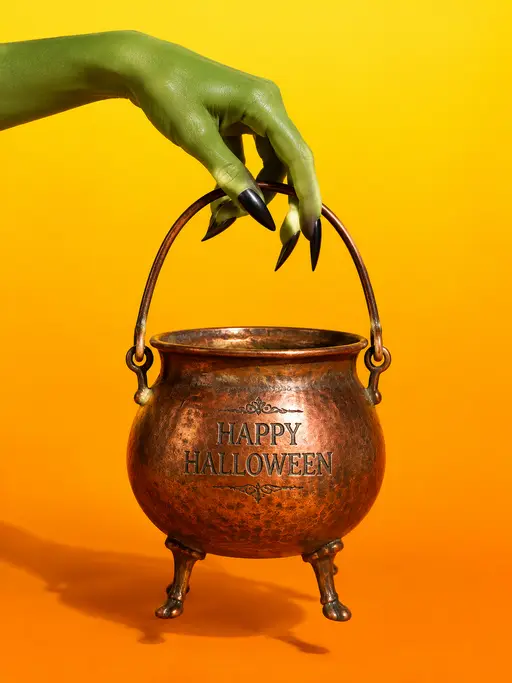
Halloween photography