GoJelly vs Miro AI
Compare GoJelly’s image and video creation workflow with Miro AI’s collaborative workspace. Review their different creative and team-planning approaches.
Compare the work you need to complete
Miro describes its platform as an intelligent canvas for teamwork, with formats including diagrams, documents, tables, slides and Kanban. Its AI overview focuses on collaborative workflows and connected tools. GoJelly’s pages focus on a creative asset workflow: keep a brief and references near image or video generations, compare versions and organize the results on a board.
Evaluate the full workflow and plan
Try the tasks your team actually repeats rather than comparing a list of isolated features. For visual production, inspect the available models, reference inputs and generation estimates. For workshops and planning, inspect the collaboration formats and integrations you need.
Both services publish plan information, but their allowances and billing units are different. Check the official pricing pages for the current billing period and included features. A credit allowance in one product should not be treated as equivalent to another product’s unit or seat price.
Compare models
| Compare models | GoJelly | Miro AI |
|---|---|---|
| Emphasis | AI image/video creation and visual iteration | Team collaboration, planning formats and AI workflows |
| Working formats | Text, image, video, audio and frames on a canvas | Whiteboards, diagrams, Docs, Tables, Slides and Kanban |
| Free starting point | Free plan with a monthly credit allowance | Free plan with three editable boards and an AI feature trial |
Reviewed November 2026. This comparison describes different workflows using the linked official product pages. Product features, plans and availability can change. GoJelly is independent and is not affiliated with these products.
AI models

outdoor photography
vintage interior illustration

perfume advertising poster
3D layered papercraft poster
child's crayon drawing

Underwater photography

blue ocean
Felt-textured cartoon avatars
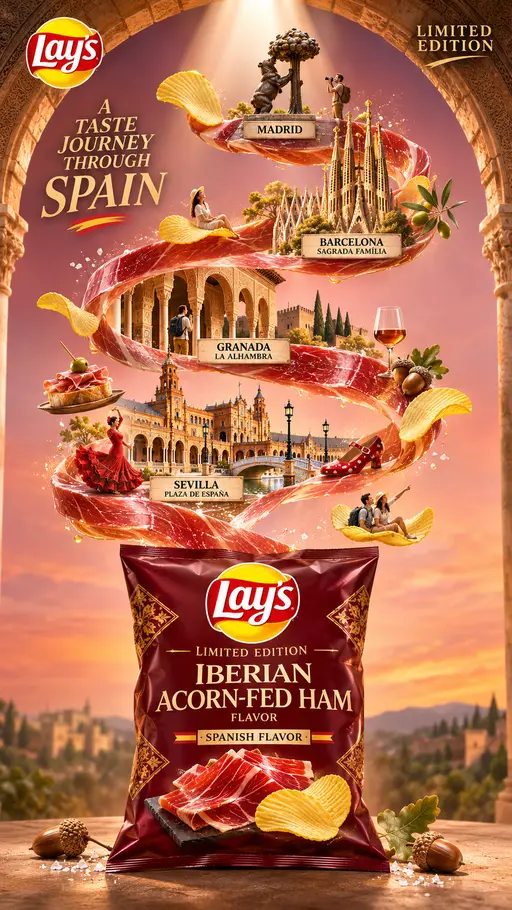
Creative Potato Chip Posters
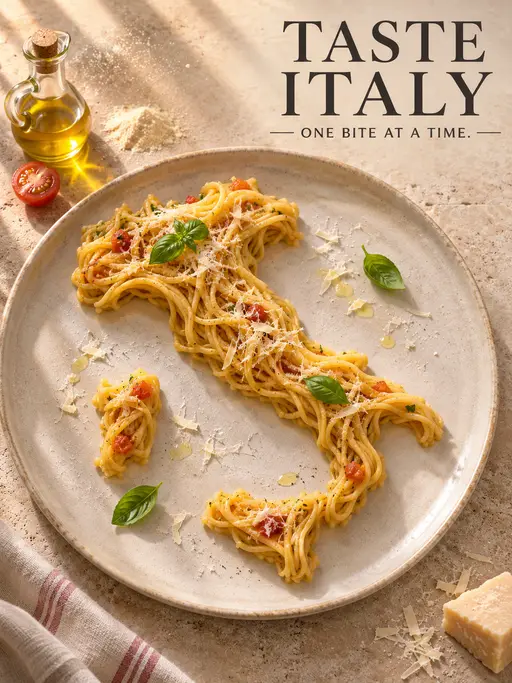
Food Advertising Posters
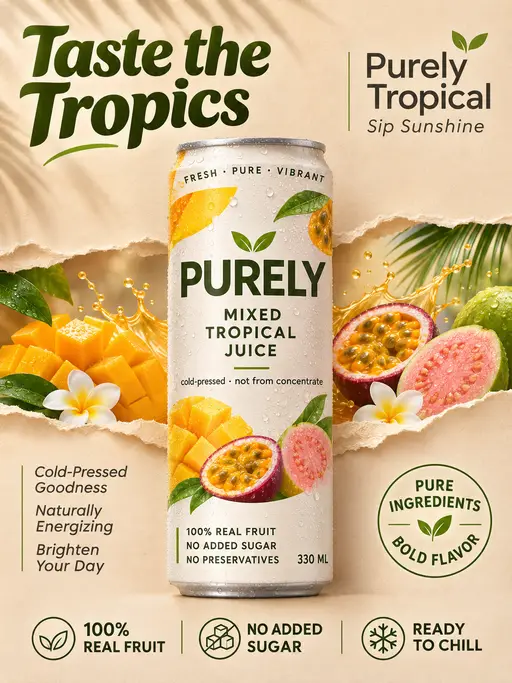
Fruit Juice Product Poster

Advertisement Poster for Hair Care Essential Oil