GPT Image 2.0 on an Infinite Canvas
Use GPT Image 2.0 online on an infinite AI canvas. Generate 2K images, posters and UI mockups, then remix 370 ready-to-use prompts. Start free.
What is GPT Image 2.0?
GPT Image 2.0 is an OpenAI image model that turns written instructions into images. On GoJelly, it is available alongside other image and video models, so a prompt can become one part of a larger creative board. Start with an explicit subject and composition, then describe the lighting, materials and any words that must appear in the image. Keep references and generated variations on the same canvas to compare them before choosing a direction. The generator exposes the aspect ratios, resolutions and quality levels currently supported by GoJelly. A community example can be a useful starting point, but each new result should be reviewed for visual accuracy and text details.
Model referenceWhat you can create with GPT Image 2.0
How to use GPT Image 2.0 on GoJelly
- Choose the model, then write a prompt or upload supported references.
- Describe the subject, composition, visual style and any action clearly. Check the selected settings and credit estimate before submitting.
- Review the result on your canvas. Keep useful references and variations together, then change one part of the prompt to compare another direction.
GPT Image 2.0 prompt examples
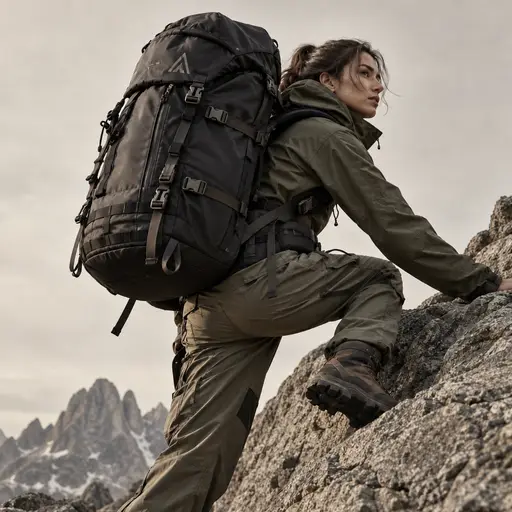
outdoor photography
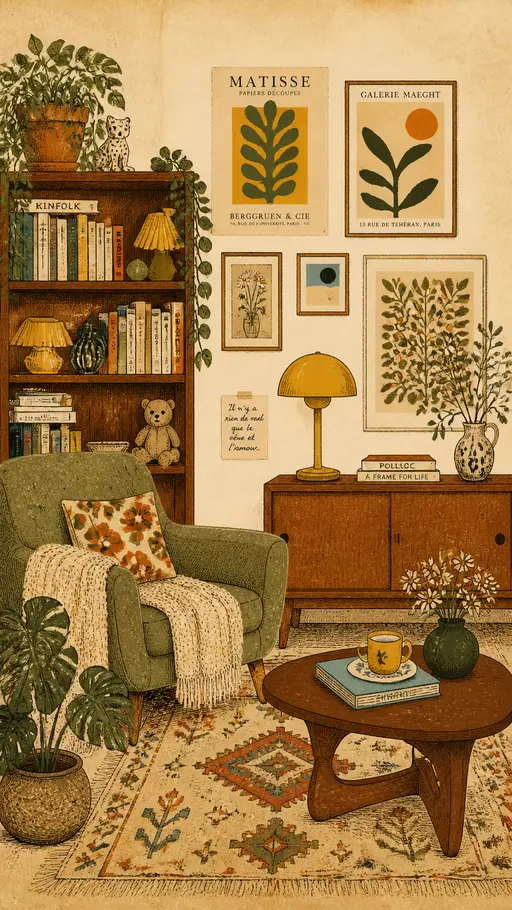
vintage interior illustration
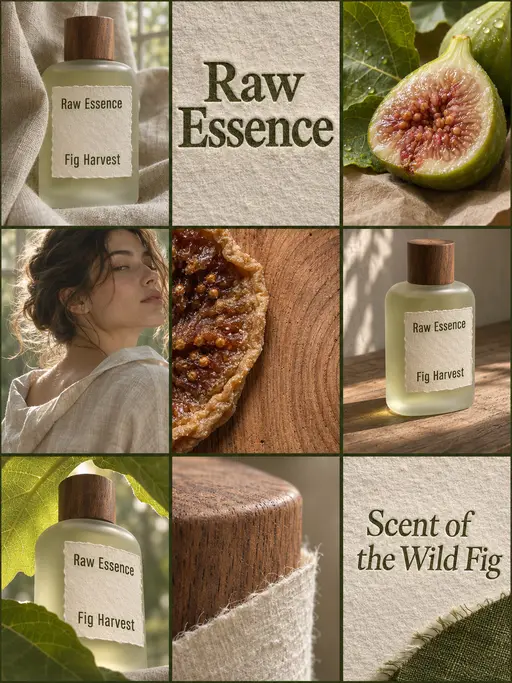
perfume advertising poster
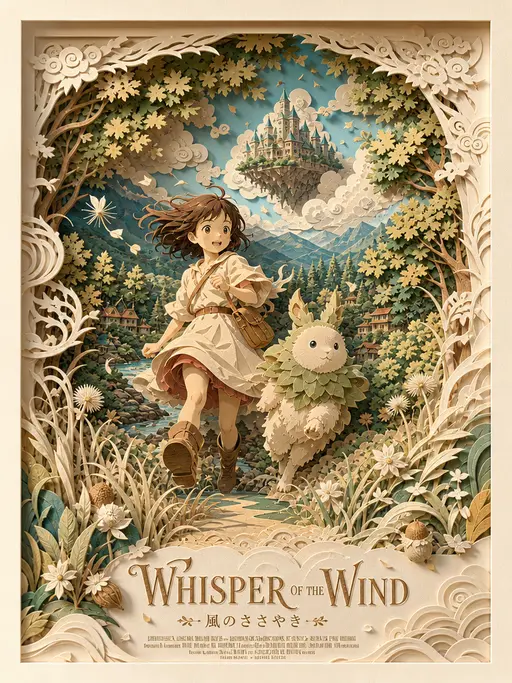
3D layered papercraft poster
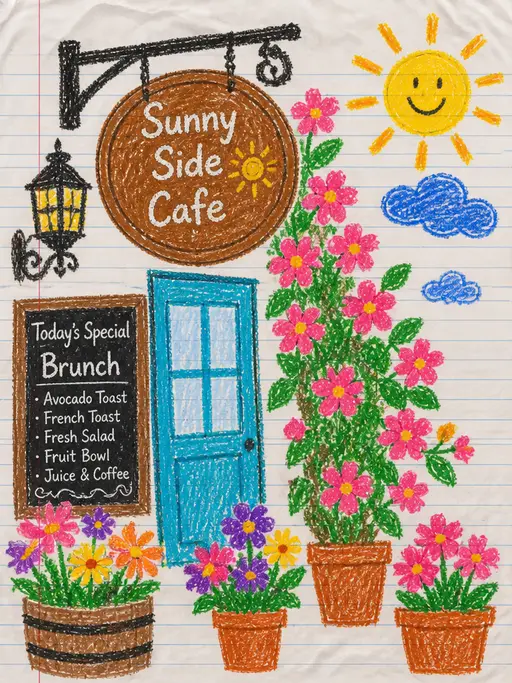
child's crayon drawing
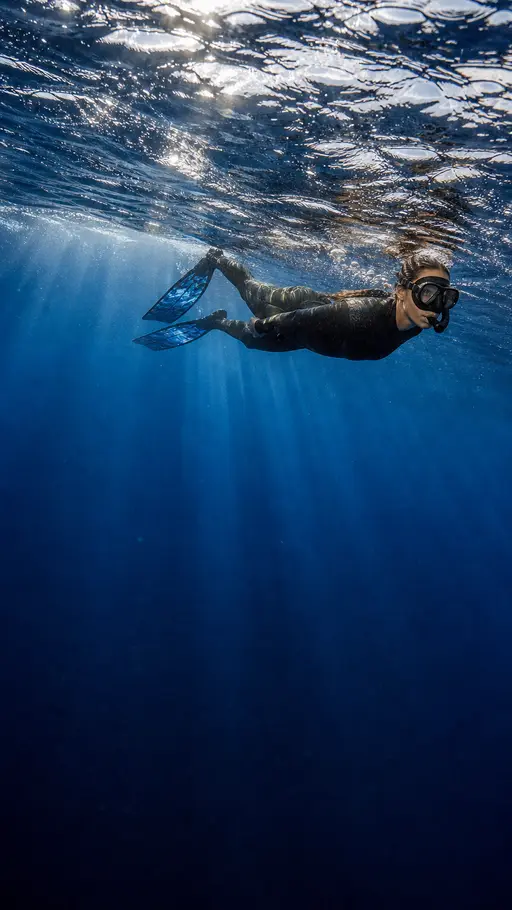
Underwater photography
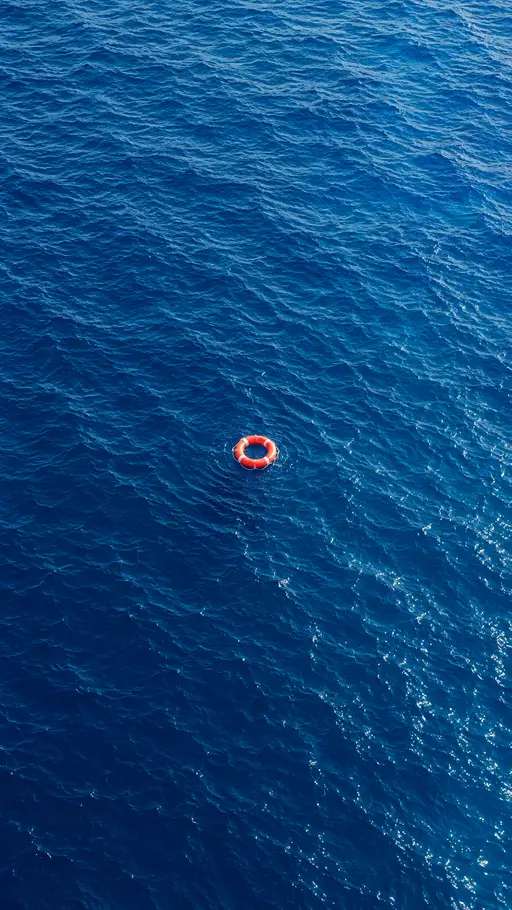
blue ocean
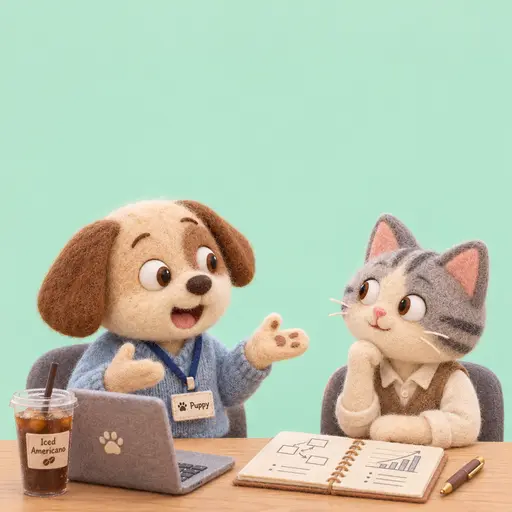
Felt-textured cartoon avatars
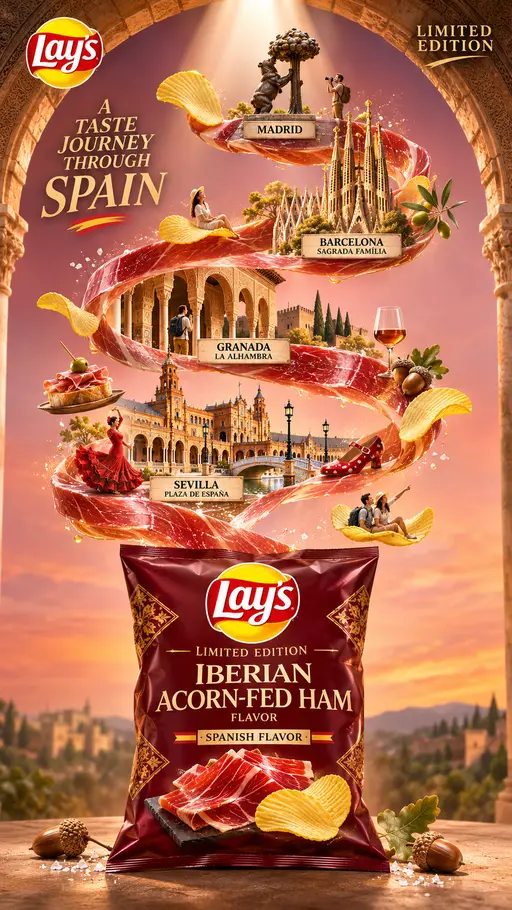
Creative Potato Chip Posters
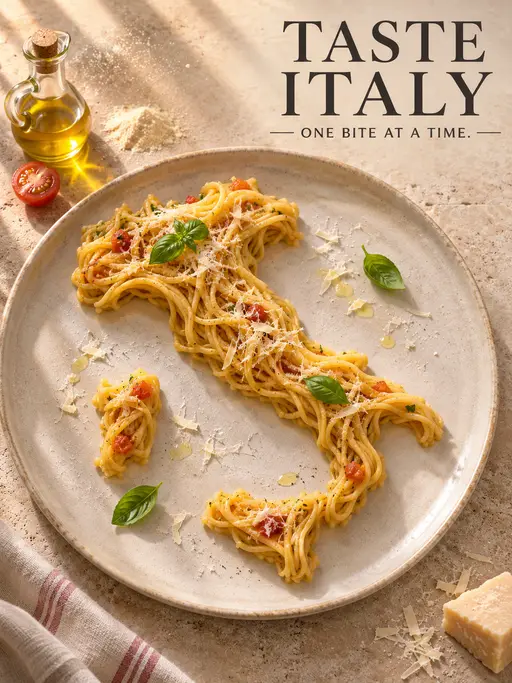
Food Advertising Posters
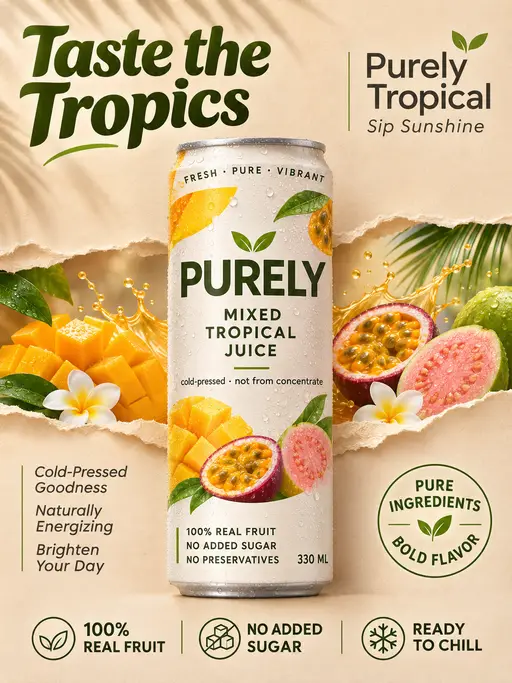
Fruit Juice Product Poster
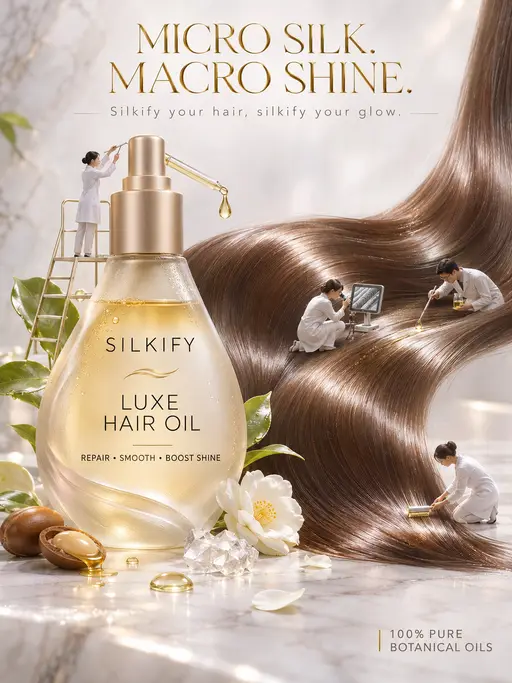
Advertisement Poster for Hair Care Essential Oil
GPT Image 2.0 settings & credits
Settings below reflect the current GoJelly configuration. The generator shows the final credit estimate for the active mode, inputs and options before submission.
- Aspect ratios
- 1:1, 3:2, 2:3, 3:4, 4:3, 9:16, 16:9, 21:9
- Output sizes / resolutions
- 1K, 2K, 4K
- Default-settings estimate
- 100 credits
- Required plan
- Free plan credits or a paid plan
Compare models
| Model | Aspect ratios | Required plan |
|---|---|---|
| GPT Image 2.0 | 1:1, 3:2, 2:3, 3:4, 4:3, 9:16, 16:9, 21:9 | Free plan credits or a paid plan |
| Nano Banana Pro | 1:1, 2:3, 3:2, 3:4, 4:3, 4:5, 5:4, 9:16, 16:9, 21:9 | Free plan credits or a paid plan |
| Nano Banana 2 | 1:1, 2:3, 3:2, 3:4, 4:3, 9:16, 16:9, 21:9 | Free plan credits or a paid plan |
Frequently asked questions
Is GPT Image 2.0 free on GoJelly?
Copying a community prompt is free. Creating a new image or video uses credits, and some models require a paid plan.
Can I use the result commercially?
Check the applicable model terms, the rights to your inputs and GoJelly’s Terms of Service. A shared example or a paid subscription does not itself grant rights to someone else’s content.
Can I access this model from my location?
Availability can depend on local requirements, your account and the model provider. Check the generator for current access; this page does not promise unrestricted availability in every country.
Can I use a reference image?
Use the supported reference controls in the selected generator mode. Limits and supported inputs differ by model, so review them before sending a request.
Where are my results?
Generated results are placed on your GoJelly canvas, where you can compare versions and arrange them with notes and references.