AI Canvas for Content & Storyboarding
Plan narratives, storyboard shots and organize AI image and video concepts together. Review the story and visual continuity on one GoJelly canvas.
Give each shot a role in the story
Keep the scene intention and character action visible while planning shots. A close-up, an establishing image and a reaction shot communicate different information, so describe what each needs to accomplish before generating it. Place the text beside references for the character and location.
Compare continuity across the sequence
Use frames to arrange the sequence and review the relationship between adjacent shots. Compare character appearance, screen direction, lighting and action before moving to video generation. Keep useful versions together so a later change can be judged against the established visual direction. Generate a new clip only after checking the selected model, input mode and credit estimate.
AI models
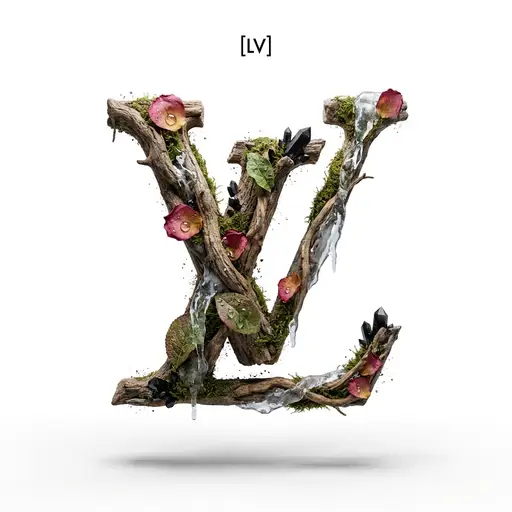
Logo design
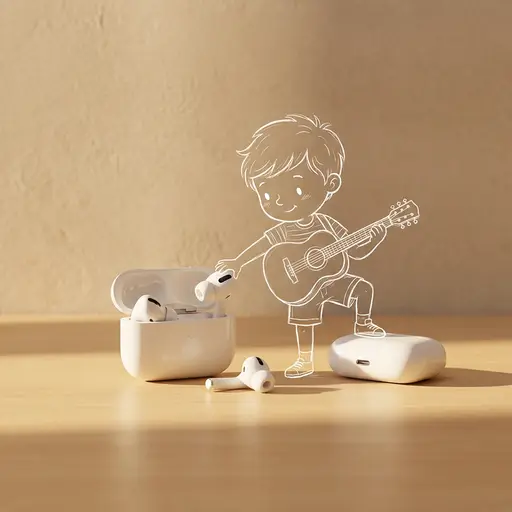
Headphones poster
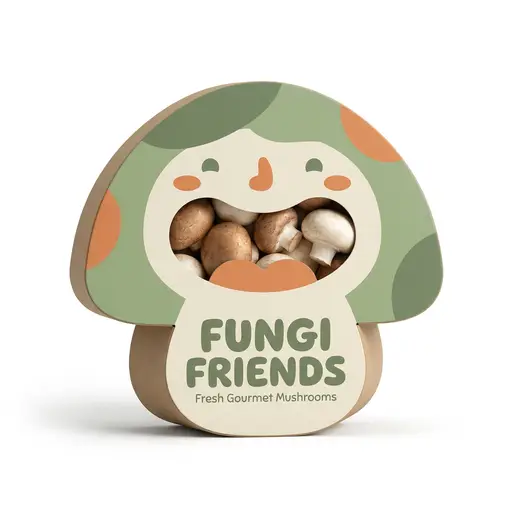
Fun-Themed Food Packaging
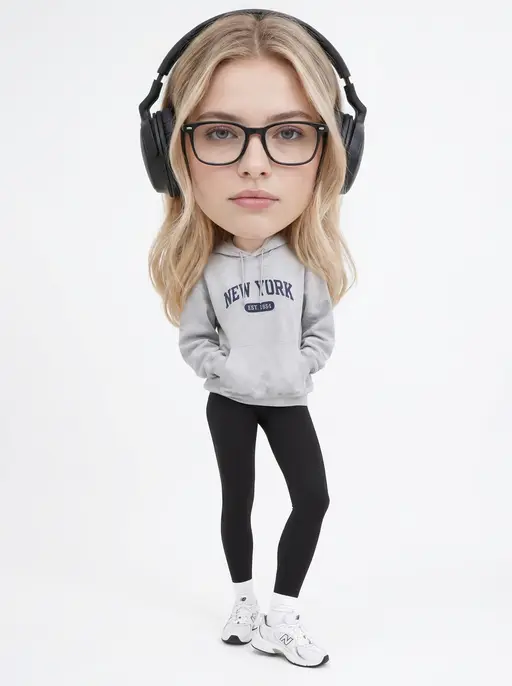
Exaggerated oversized head and tiny body
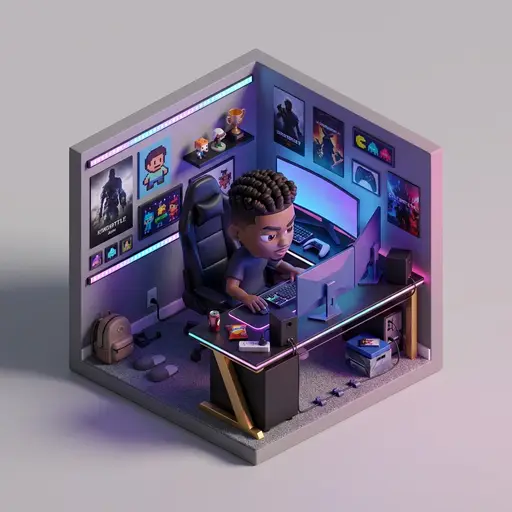
3D cube miniature room
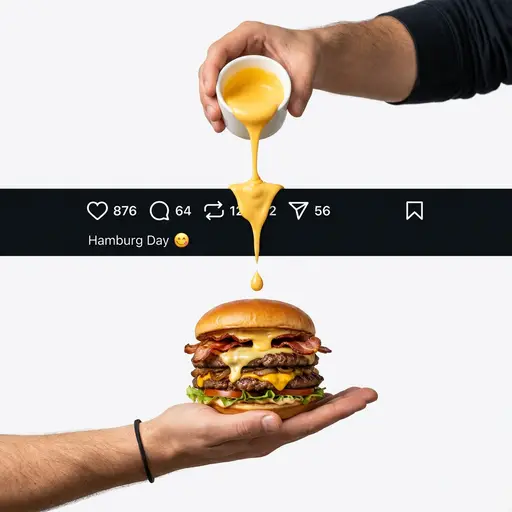
Ultra-Realistic Gourmet Food Photography
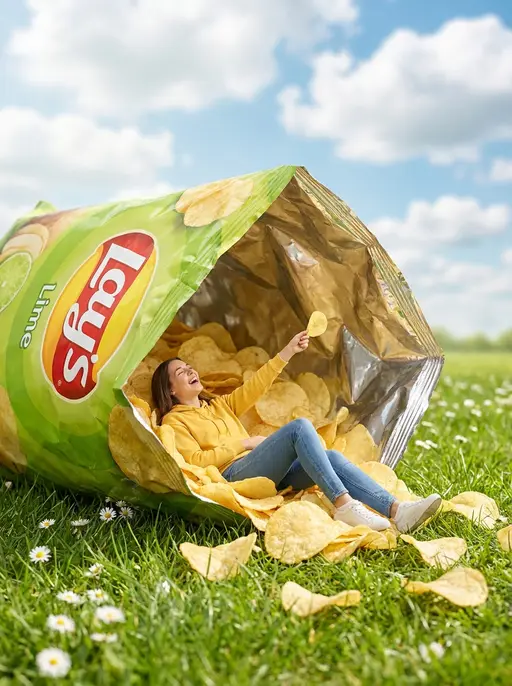
Ultra-Realistic Commercial Food Photography
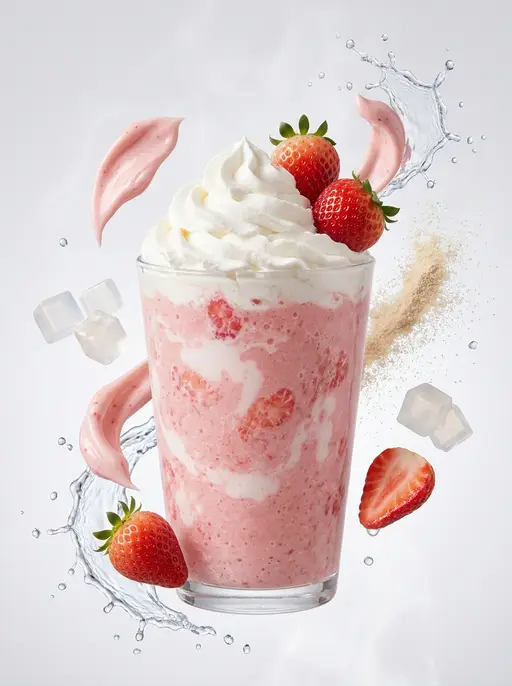
Drink Poster
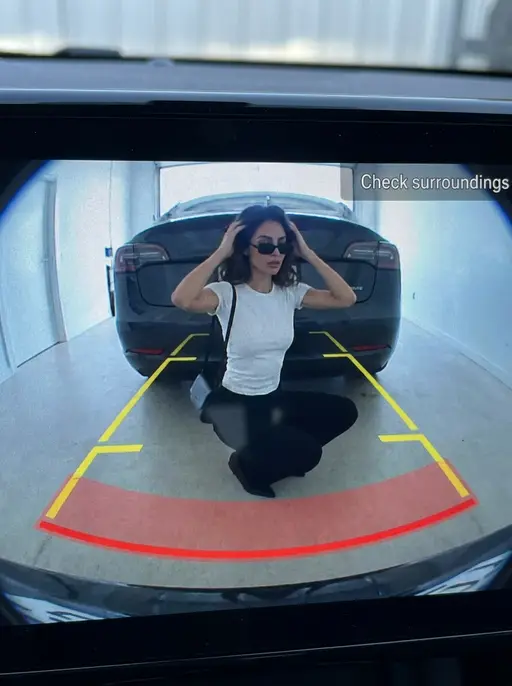
Creative photo: Reverse image
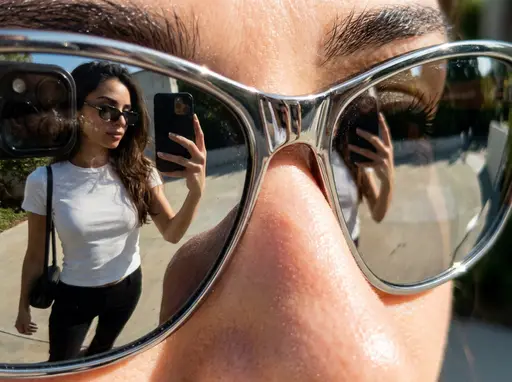
Creative photo: Reflection of sunglasses

Female Portrait

cute painting