Seedream 4.0 Online
Use Seedream 4.0 on GoJelly’s infinite canvas. Explore image examples, inspect prompts and keep references beside generated variations.
What is Seedream 4.0?
Seedream 4.0 is a ByteDance image model supported by GoJelly. It can be used within a visual workflow that keeps reference images, written direction and generated variations on the same canvas. Start by explaining the main subject and the composition you want, then add the style, lighting and material information that matters to the project. Review the first output before changing the prompt, and keep earlier versions visible to understand what each edit affected. Community prompts offer examples to inspect and adapt; they are more useful when treated as a structure to learn from than as fixed instructions for every project. Use the generator controls and credit estimate for the current supported settings.
Model referenceWhat you can create with Seedream 4.0
How to use Seedream 4.0 on GoJelly
- Choose the model, then write a prompt or upload supported references.
- Describe the subject, composition, visual style and any action clearly. Check the selected settings and credit estimate before submitting.
- Review the result on your canvas. Keep useful references and variations together, then change one part of the prompt to compare another direction.
Seedream 4.0 prompt examples
See all 5 Seedream 4.0 prompts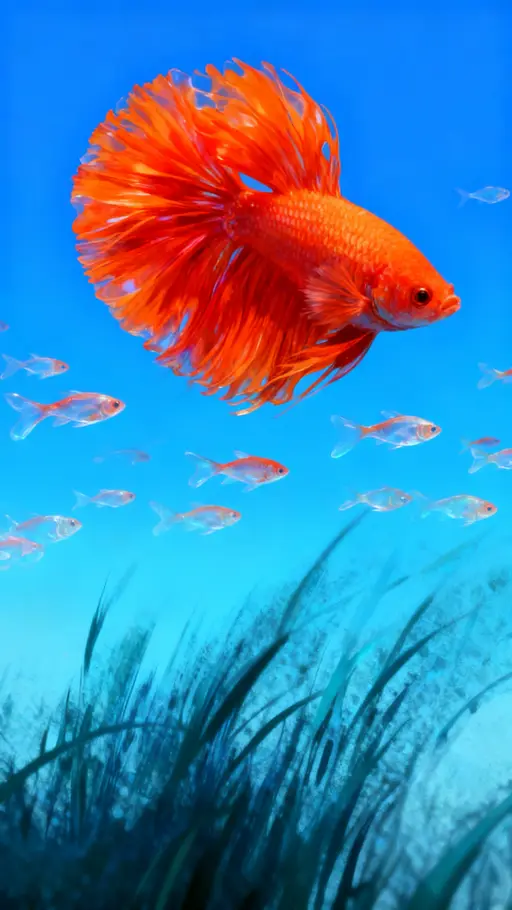



Seedream 4.0 settings & credits
Settings below reflect the current GoJelly configuration. The generator shows the final credit estimate for the active mode, inputs and options before submission.
- Aspect ratios
- 1:1, 16:9, 9:16, 4:3, 3:4
- Output sizes / resolutions
- 1K, 4K
- Default-settings estimate
- 40 credits
- Required plan
- Free plan credits or a paid plan
Compare models
| Model | Aspect ratios | Required plan |
|---|---|---|
| Seedream 4.0 | 1:1, 16:9, 9:16, 4:3, 3:4 | Free plan credits or a paid plan |
| GPT Image 2.0 | 1:1, 3:2, 2:3, 3:4, 4:3, 9:16, 16:9, 21:9 | Free plan credits or a paid plan |
| Nano Banana Pro | 1:1, 2:3, 3:2, 3:4, 4:3, 4:5, 5:4, 9:16, 16:9, 21:9 | Free plan credits or a paid plan |
Frequently asked questions
Is Seedream 4.0 free on GoJelly?
Copying a community prompt is free. Creating a new image or video uses credits, and some models require a paid plan.
Can I use the result commercially?
Check the applicable model terms, the rights to your inputs and GoJelly’s Terms of Service. A shared example or a paid subscription does not itself grant rights to someone else’s content.
Can I access this model from my location?
Availability can depend on local requirements, your account and the model provider. Check the generator for current access; this page does not promise unrestricted availability in every country.
Can I use a reference image?
Use the supported reference controls in the selected generator mode. Limits and supported inputs differ by model, so review them before sending a request.
Where are my results?
Generated results are placed on your GoJelly canvas, where you can compare versions and arrange them with notes and references.